Step-by-Step Recovery Guide for Candidates
Many candidates apply for Delhi Police recruitment online but later forget their registration number or password. Because of this, they are unable to log in, complete the application, download the confirmation page, or check application status.
This guide explains how to recover Delhi Police registration number or password step by step, in a simple and clear way, so that candidates can continue their application without confusion.
Why Registration Number and Password Are Important
Your registration details are required to:
- Log in to the Delhi Police application portal
- Complete or edit the application form (if allowed)
- Download application or admit card
- Check application status
If you forget them, do not worry. Delhi Police provides an official recovery option.
Step-by-Step: How to Recover Delhi Police Registration Number / Password
Step 1: Open the Official Delhi Police Recruitment Website
Go to the official Delhi Police recruitment portal where you applied for the form.
📷 Add screenshot of Delhi Police recruitment homepage here
Step 2: Click on Candidate Login
On the homepage, find and click on Candidate Login / Login option.
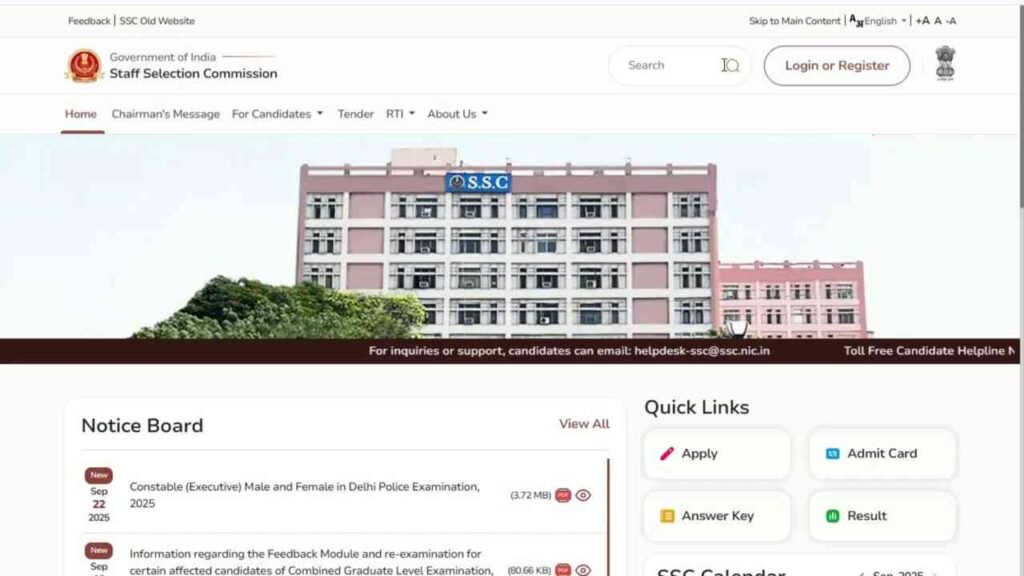
Step 3: Click on “Forgot Registration Number / Password”
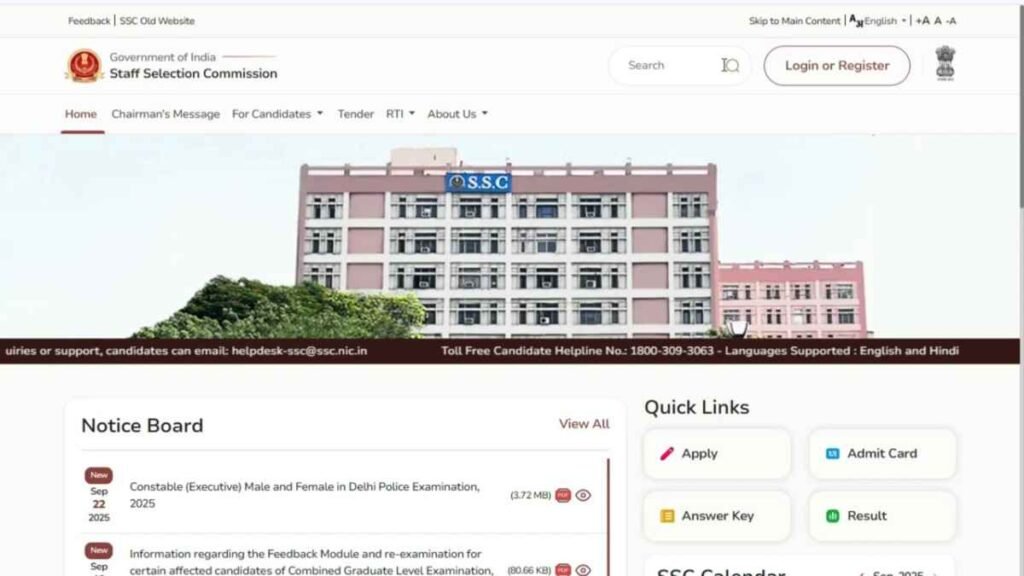
On the login page, you will see options like:
- Forgot Registration Number
- Forgot Password
Click on the relevant option.
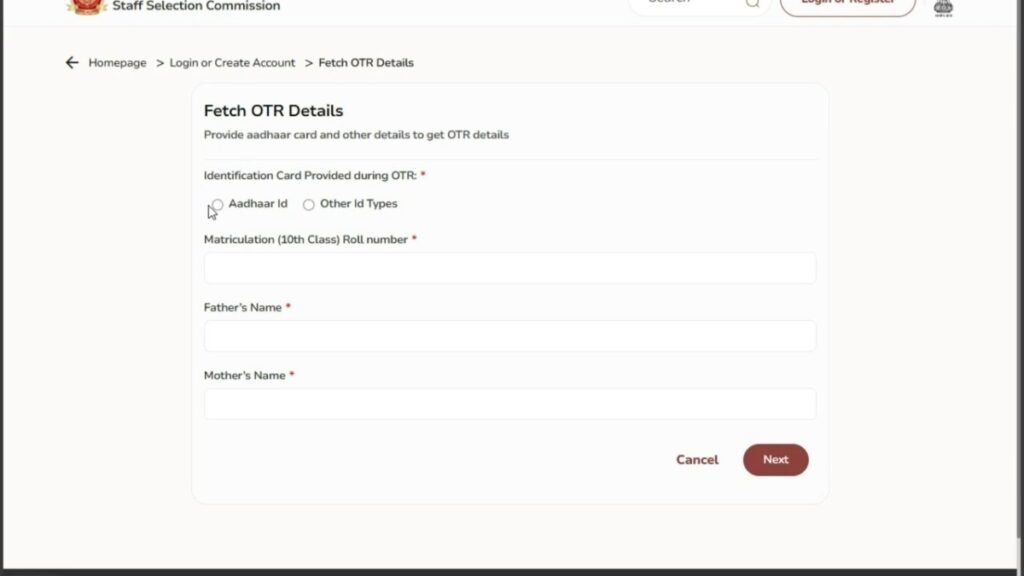
Step 4: Enter Required Details
You may be asked to enter:
- Registered mobile number
- Date of birth
- Email ID (if required)
Fill the details carefully and submit.
Step 5: Verify Using OTP
An OTP will be sent to your registered mobile number or email.
Enter the OTP to verify your identity.
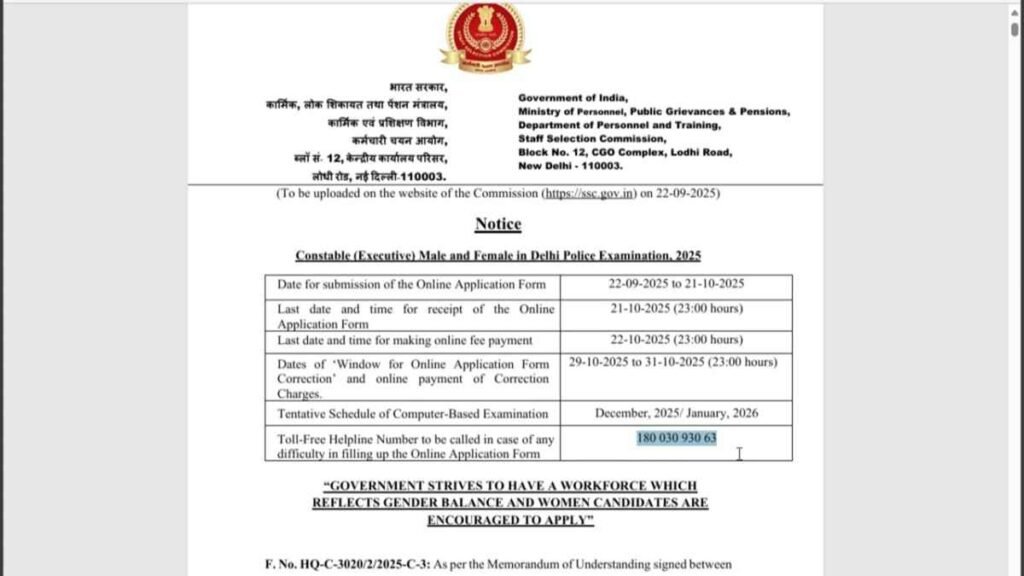
Step 6: Receive Registration Details
After successful verification:
- Your registration number or password will be sent via SMS or email
- Or shown on the screen
What If You Do Not Receive OTP?
If OTP is not received:
- Check network connection
- Wait for a few minutes and try again
- Check spam folder in email
- Make sure you are using the same mobile number used during registration
If Recovery Option Is Not Working
In rare cases, if the recovery option does not work:
- Check your old SMS messages
- Search your email inbox for registration confirmation
- Try again after some time (server load issue)
Avoid using unofficial websites or agents.
Common Mistakes to Avoid
- Entering wrong mobile number or date of birth
- Trying multiple times quickly
- Using someone else’s details
- Clicking on fake recovery links
Always use the official Delhi Police website only.
Important Tips for Future Applications
- Always save registration number in notes
- Take a screenshot after registration
- Use the same mobile number and email ID till the process ends