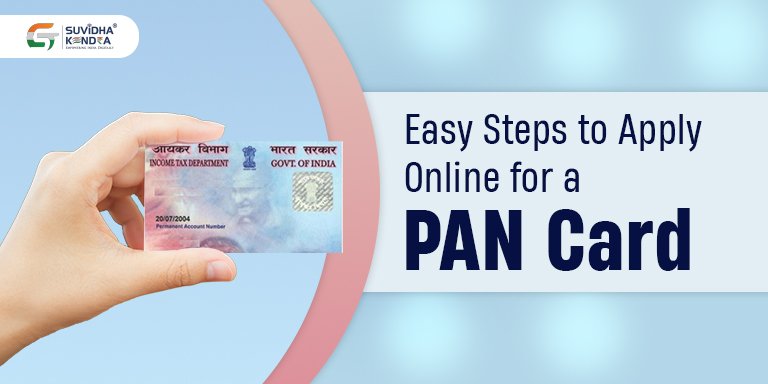
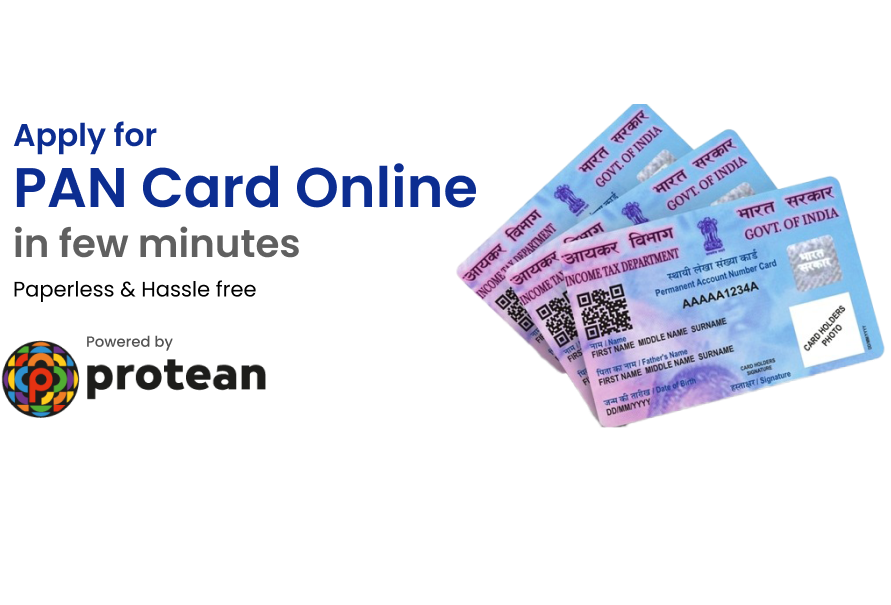
PAN Card ek important government document hai jo income tax, bank account, investment aur financial verification ke liye use hota hai. Agar aap pehli baar PAN Card banwana chahte hain to online process sabse easy aur fast option hai. Neeche PAN Card online apply karne ka complete step by step process simple language me diya gaya hai.
Step 1 PAN Card Apply Karne Ki Official Website Open Kare
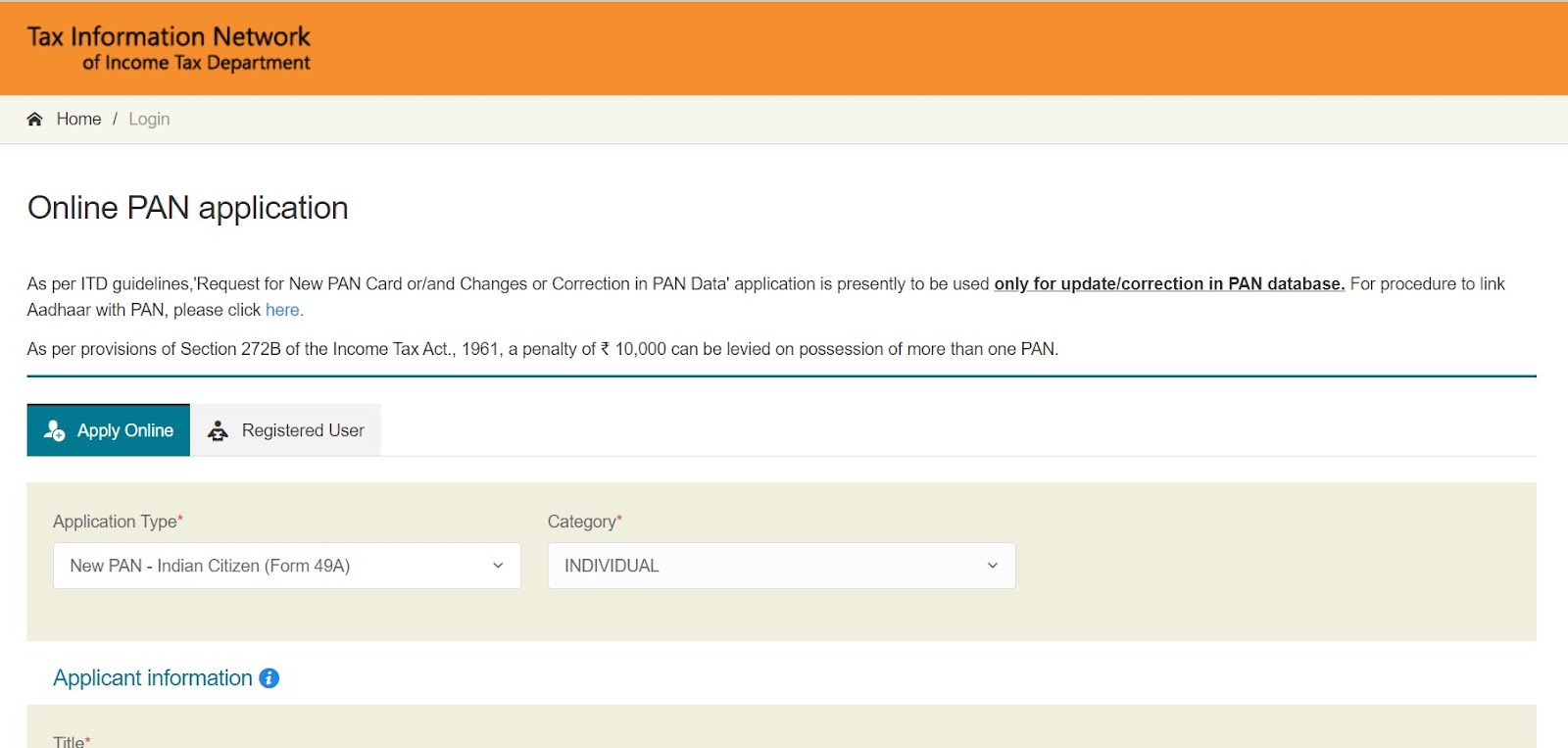
Sabse pehle PAN Card apply karne ke liye government approved official website open karein. Isi website se PAN Card ka form fill hota hai aur yahin se poori process complete hoti hai. Website open hone ke baad “Apply New PAN Card” ya “New PAN for Indian Citizen” ka option dikhai deta hai.
Step 2 PAN Card Application Type Select Kare
Website par option aata hai jahan aapko application type select karna hota hai. Agar aap individual person hain to “Individual” category choose karein. Iske baad aapko Indian citizen ya foreign citizen ka option select karna hota hai.
Step 3 Personal Details Form Me Fill Kare
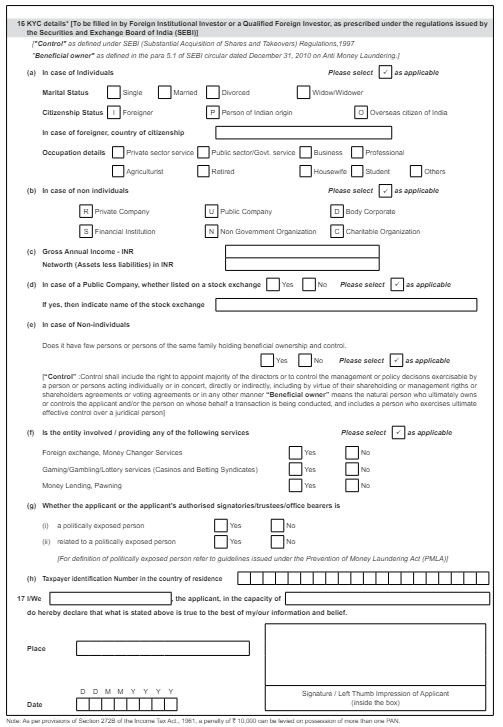
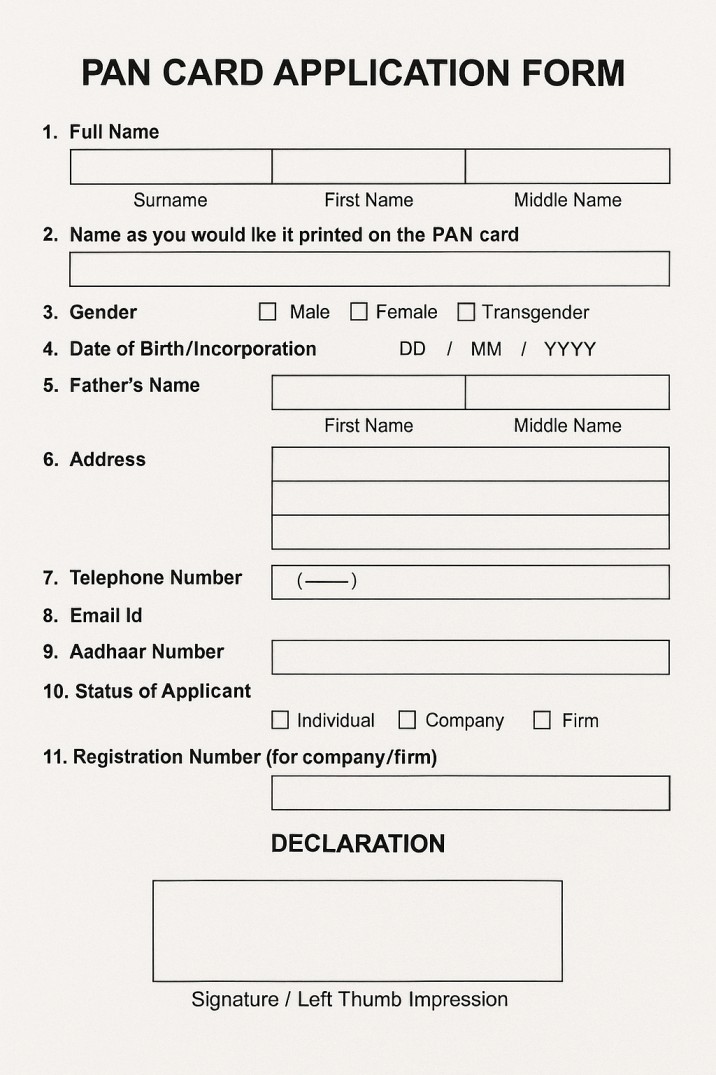
Is step me aapko apni basic personal details fill karni hoti hain jaise full name, date of birth, gender, mobile number aur email id. Yahi details aapke PAN Card par print hoti hain isliye information bilkul documents ke according enter karein.

Step 4 Aadhaar Based e-KYC Complete Kare
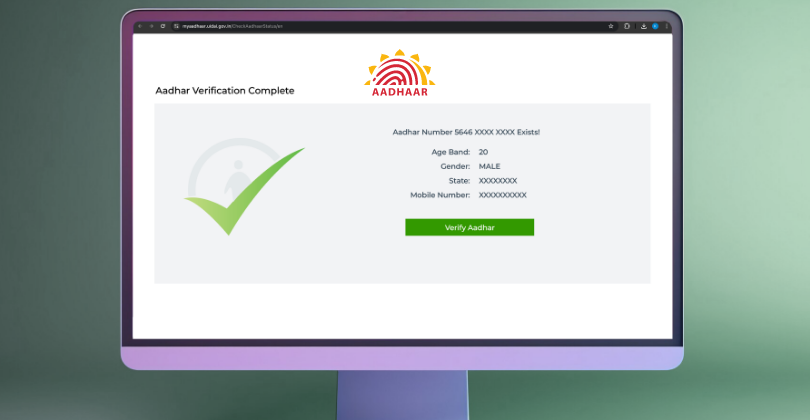
Personal details ke baad Aadhaar verification ka option aata hai. Aadhaar number enter karne par registered mobile number par OTP aata hai. OTP verify karte hi e-KYC complete ho jata hai aur kai details automatically form me fill ho jati hain.

Step 5 Address Details Confirm Kare
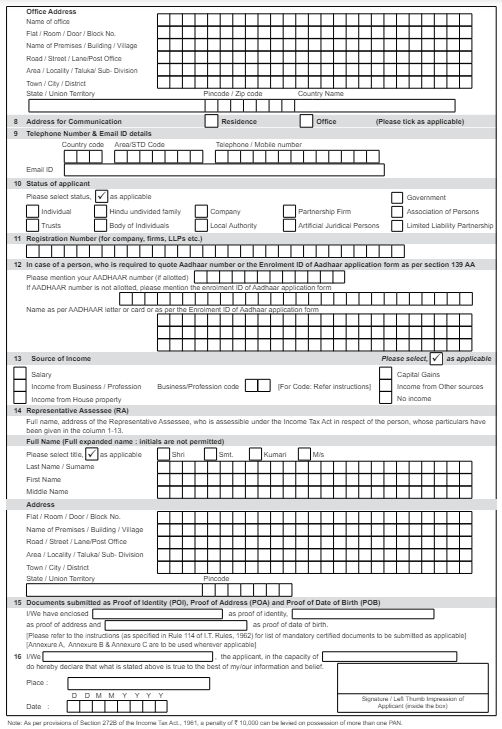
Is step me aapko apna communication address confirm karna hota hai. Agar aap physical PAN Card chahte hain to address sahi hona bahut important hota hai kyunki PAN Card isi address par courier se deliver hota hai.

Step 6 Documents Upload Kare Agar Required Ho
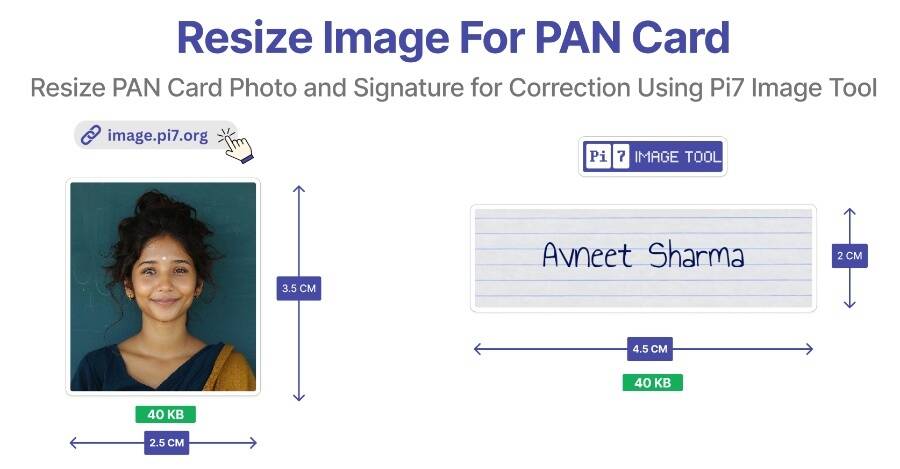
Agar aap Aadhaar e-KYC use nahi kar rahe hain to is step me identity proof, address proof aur date of birth proof upload karna hota hai. Saath hi photo aur signature bhi upload kiya jata hai. Documents clear aur readable hone chahiye.

Step 7 PAN Card Application Fees Payment Kare
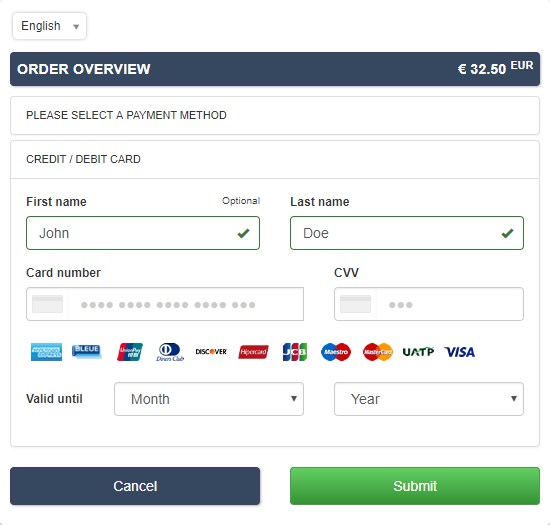
Documents submit karne ke baad payment page open hota hai. Yahan aap debit card, credit card, net banking ya UPI ke through payment kar sakte hain. Payment successful hone ke baad screen par confirmation message show hota hai.

Step 8 Acknowledgement Number Save Kare
Payment complete hone ke baad aapko acknowledgement number milta hai. Ye number bahut important hota hai kyunki isi se aap PAN Card application status track kar sakte hain. Is acknowledgement slip ko download karke safe rakhna chahiye.

Step 9 PAN Card Application Status Check Kare
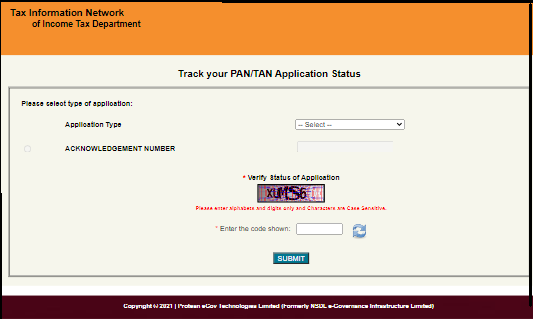
Application submit karne ke baad aap acknowledgement number ya Aadhaar number ka use karke PAN Card ka status online check kar sakte hain. Status se pata chalta hai ki PAN Card process me hai ya approve ho chuka hai.