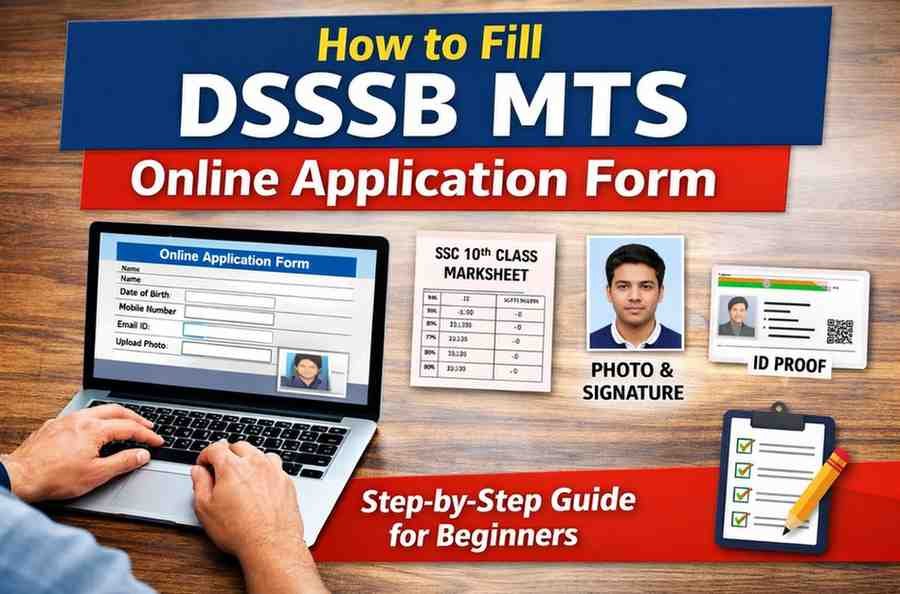
Complete Step-by-Step Guide for Beginners (Self Application)
Many candidates face problems while filling online application forms due to lack of proper guidance. Small mistakes such as incorrect details, wrong document uploads, or skipping instructions can cause the application to be rejected.
This guide is created only to help users understand how to fill the DSSSB MTS online application form step by step, so that they can apply on their own, without confusion or external help.
Things to Keep Ready Before Starting the Form
Before opening the application form, make sure you have the following:
- A mobile phone or computer
- Stable internet connection
- 10th class marksheet
- Recent passport size photograph
- Signature image
- Valid ID proof
- Active mobile number and email address
Preparing these in advance helps avoid errors and delays.
Step-by-Step Process to Fill DSSSB MTS Online Form
Step 1: Visit the Official DSSSB Website
Open the official DSSSB website where the online application is available.
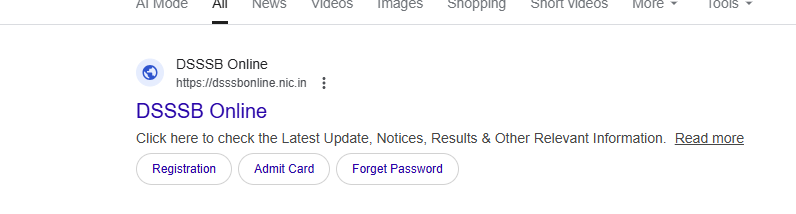
Screenshots are taken from the official website for guidance purposes only. No personal data is shown.
Step 2: Open the Recruitment / Apply Online Section
On the homepage, find and click on the Recruitment or Apply Online option.
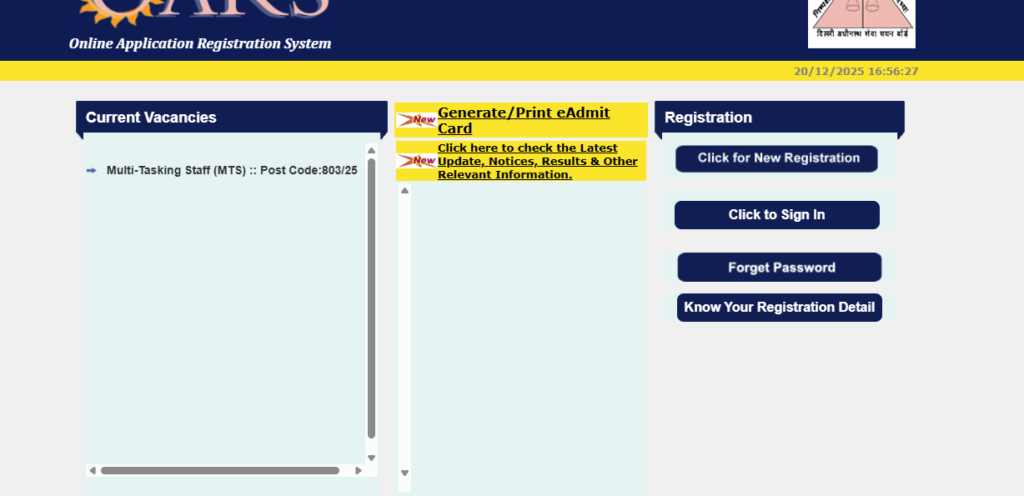
Screenshots are taken from the official website for guidance purposes only. No personal data is shown.
Step 3: Complete New Registration
If you are applying for the first time:
- Click on New Registration
- Enter your name, mobile number, and email ID
- Submit the registration form
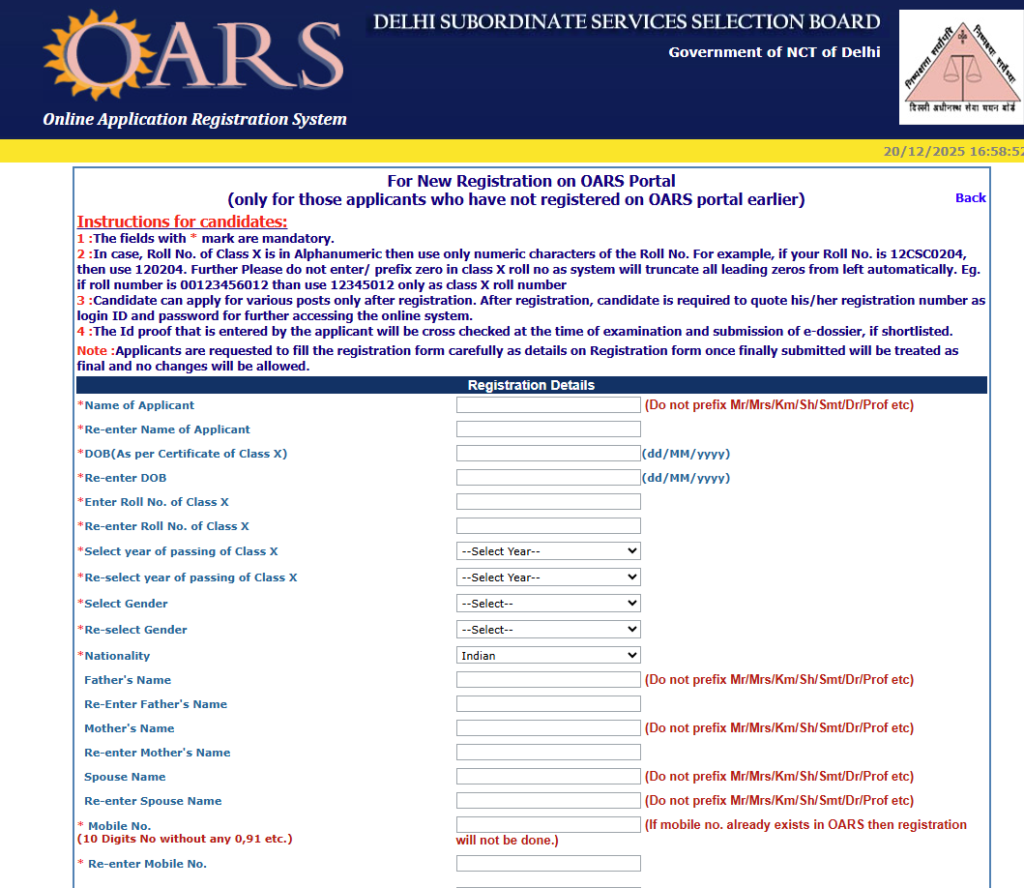
Save your registration details for future use.
Screenshots are taken from the official website for guidance purposes only. No personal data is shown.
Step 4: Login to Your Account
Login using your registration number and password or date of birth.
Step 5: Enter Personal Information Carefully
Fill in your personal details exactly as mentioned in your documents:
- Full name
- Parent’s name
- Date of birth
- Address
Screenshots are taken from the official website for guidance purposes only. No personal data is shown.
⚠️ Double-check spelling and dates before proceeding.
Step 6: Fill Educational Details
Provide your educational information such as:
- Qualification (10th pass)
- Board name
- Year of passing
Step 7: Upload Photograph and Signature
Upload the required images according to the instructions:
- Passport size photograph
- Signature
Ensure that images are clear and meet size guidelines.
Step 8: Review All Details
Before submitting the form:
- Review all entered information
- Correct any errors if found
Step 9: Submit the Application Form
After confirming that all details are correct, click on Final Submit.
Step 10: Save the Confirmation Page
Once the form is successfully submitted:
- Download or save the confirmation page
- Note the application number for future reference
Common Errors to Avoid
- Incorrect spelling in name or date of birth
- Uploading unclear images
- Ignoring instructions on the form
- Forgetting to save the confirmation page
- Waiting until the last day to apply
Important Note for Applicants
Filling an online application form becomes easy when done patiently and carefully. Always read instructions, review details, and keep records after submission.
This approach helps applicants complete the process confidently.